← All products
01 · Desktop · AI audio · 2025
LA Studio
A desktop toolkit for running AI audio models locally — speech to text, text to speech, voice cloning and voice design.
- Role
- Solo — design and code
- Platform
- Desktop app + web
- Price
- Free and open source
- Interface
- Vietnamese / English
- Status
- In progress
Context
Trying a local audio model means assembling an environment for each one: different runtimes, different formats, documentation scattered everywhere. Most ready-made tools send the audio to a server instead — which rules them out when the file is a meeting, an interview or a client's voice.
What I built
Two clear layers: the web is where you find and judge a model, the desktop app is where the real work runs on your own machine.
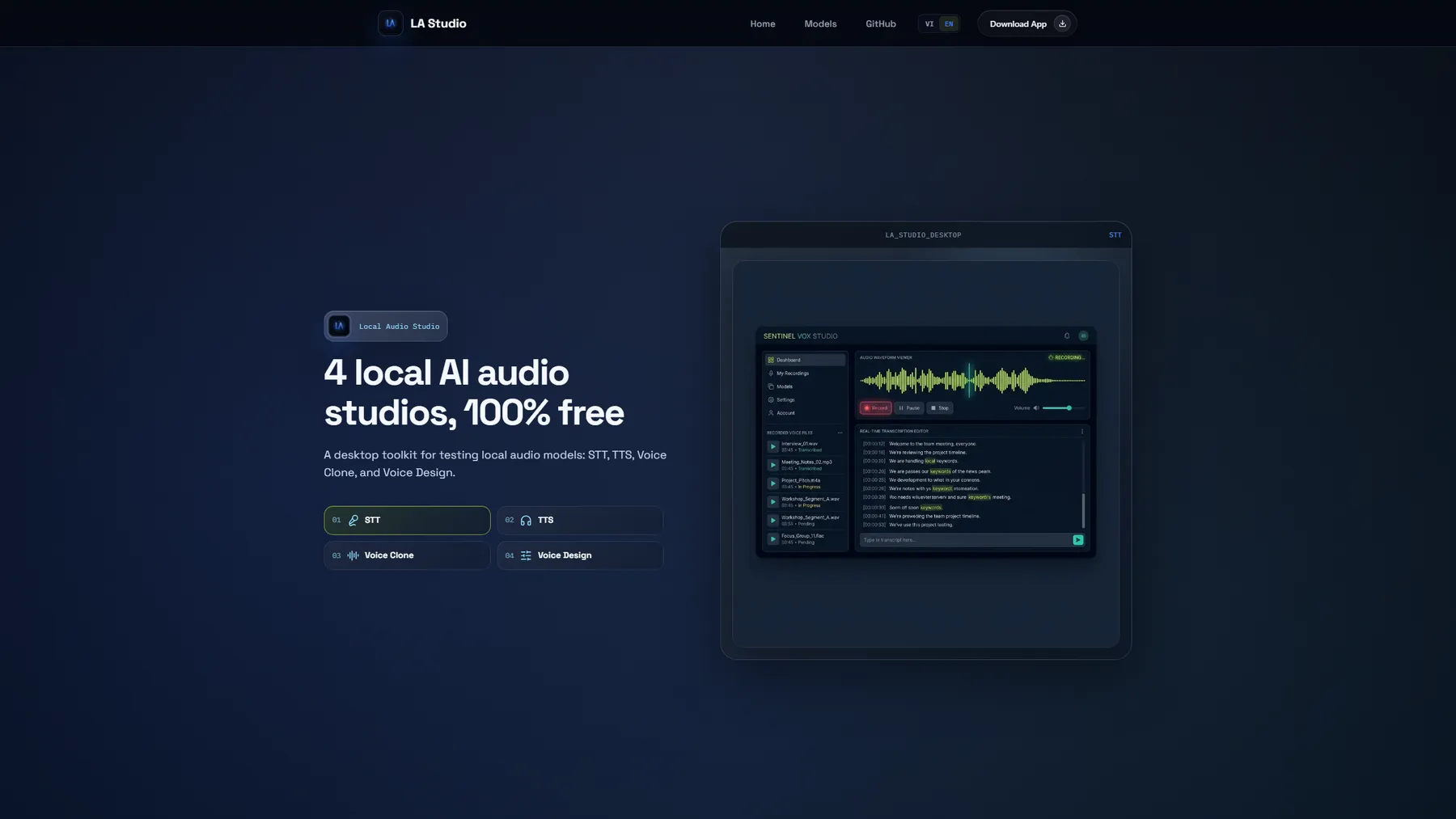
- Four separate studios in one app — Speech-to-Text, Text-to-Speech, Voice Clone, Voice Design — each experiment gets its own workspace instead of one catch-all form.
- Metadata-driven model and runtime management: asset downloads, file validation, hardware checks and CPU / CUDA / Vulkan selection per machine.
- Recording, playback, waveform preview, history and export, written in C++17 with Qt 6/QML, with automated tests over the core flows.
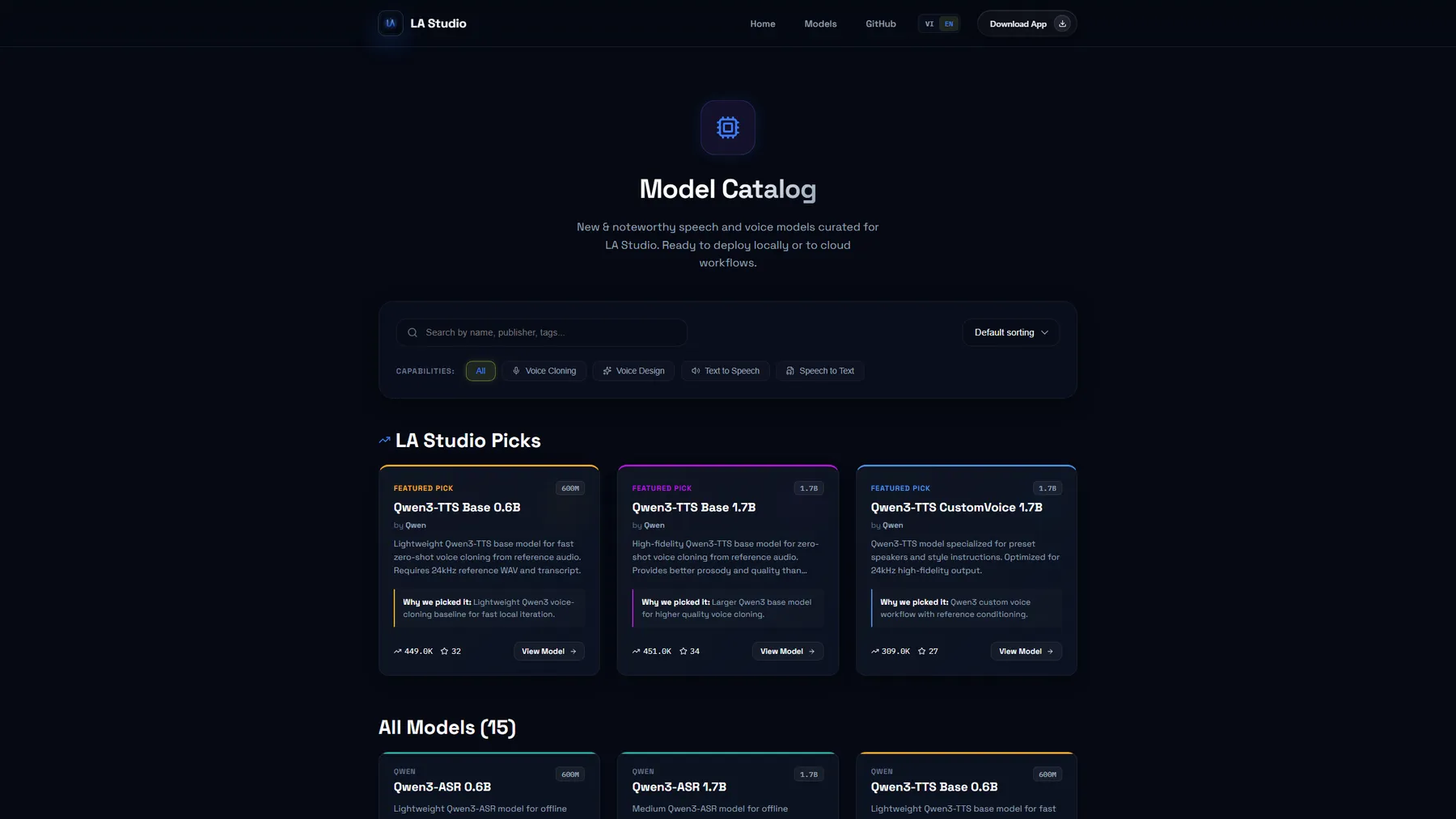
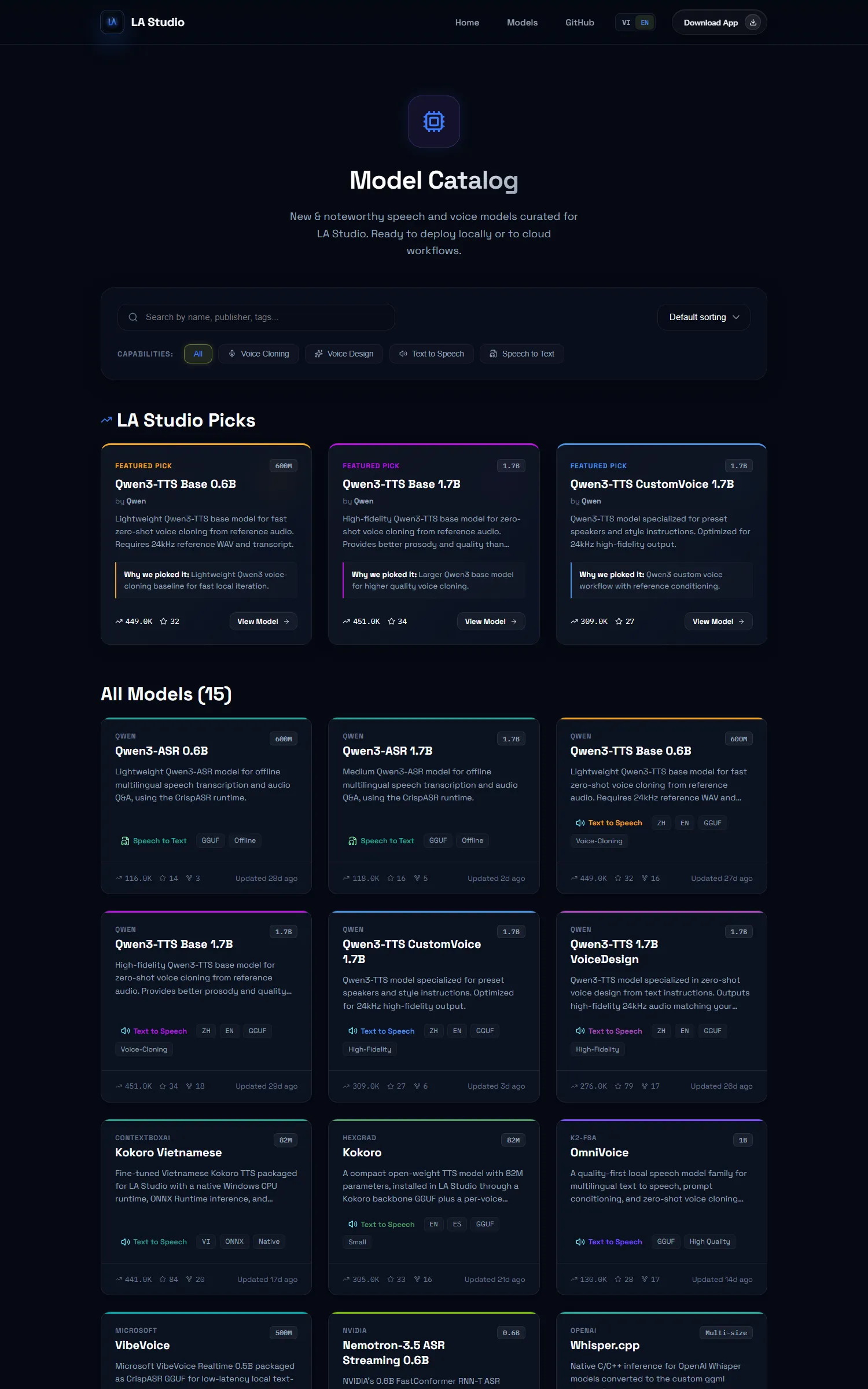
- A web catalogue grouped by capability, with runtime, format, model size and offline status, so you know whether your machine can run it before downloading.
- Local-first by default rather than as an option: the audio never leaves the machine.
Results
- 4
- studios in one app
- 15
- models in the catalogue
- 100%
- free, running locally
Where it is going
Not just testing models, but complete audio workflows.
- Audiobooks: split chapters, pick voices, generate long narration and manage many segments in one pipeline.
- Video dubbing: combine transcript, translation, voice selection and dialogue timing, with local processing still first.
- Multi-step workflows: connect STT, TTS, voice cloning, voice design, runtimes and the catalogue into reusable pipelines.
Screens